Finally! A Home Upgrade That Makes Sense (E-Ink Display)
Check out the H2D 3D Printer here: https://tidd.ly/3KVINbD
You can get the components here: (affiliate links)
E-Ink Display: https://s.click.aliexpress.com/e/_c2R5I2vf
ESP32 Driver Board: https://s.click.aliexpress.com/e/_c4K4IiCN
5V Power Supply: https://amzn.to/3MMcD2R
Shelly Mini: https://amzn.to/49nad3s
You can download all project information here: https://www.patreon.com/posts/146504704
Smart Home Dashboard video: https://youtu.be/FntUPnPGfM8
Previous video: https://youtu.be/zT0CvQKSKVQ
Facebook: https://www.facebook.com/greatscottlab
Twitter: https://twitter.com/GreatScottLab
Instagram: https://www.instagram.com/great.scott.lab/
TikTok: https://www.tiktok.com/@greatscottlab
Discord: https://discord.gg/zuAvkAuhsY
Support me for more videos: https://www.patreon.com/GreatScott?ty=h
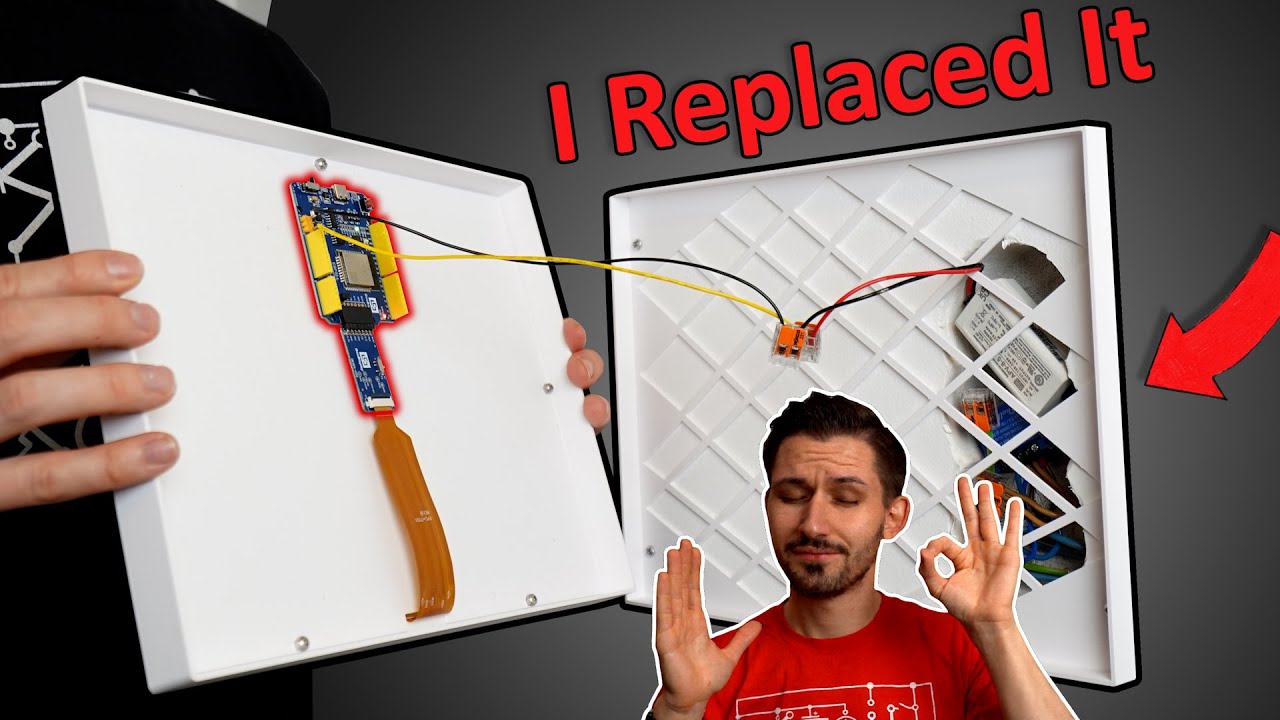
Time for another Home Upgrade! As it turns out my Smart Home Dashboard did not get used very often. So it became kind of like an eye sore overtime and my girlfriend was demanding a useful replacement. So I came up with a big E-Ink Calendar that not only draws very little power, but also connects to the internet and displays our events from Google Calendar for the coming 7 days. I think this project turned out great and super useful!
Websites that were shown during the video:
https://github.com/ZinggJM/GxEPD2
https://github.com/gooddisplayshare/ESP32epdx
https://www.good-display.com/product/338.html
https://www.good-display.com/product/480.html
https://www.home-assistant.io/integrations/google/
Thanks to Bambulab for sponsoring this video.
0:00 Removing my Dashboard?
1:10 Intro
1:53 Switch to E-Ink?
2:54 Testing E-Ink Display
3:50 Software Overview
5:02 HomeAssistant Setup
5:58 E-Ink Setup & Code
7:50 Wiring
8:38 Enclosure
9:56 Final Assembly
10:45 Verdict
source